
AutoGlow™ Symphony Pro-Acrylic Ambient Lighting System (Multi-Zone)
6 in 1 Not Rainbow
$79.99
Sale price
$79.99
Regular price
$110.99
Skip to product information


AutoGlow™ Symphony Pro-Acrylic Ambient Lighting System (Multi-Zone)
$79.99
Sale price
$79.99
Regular price
$110.99
⚠️ Limited stock available due to high demand
🔒 Secure & Encrypted Checkout
🚚 Free Worldwide Shipping with Tracking
💯 30-Day Money-Back Guarantee
Ultimate Customization for the Modern Driver
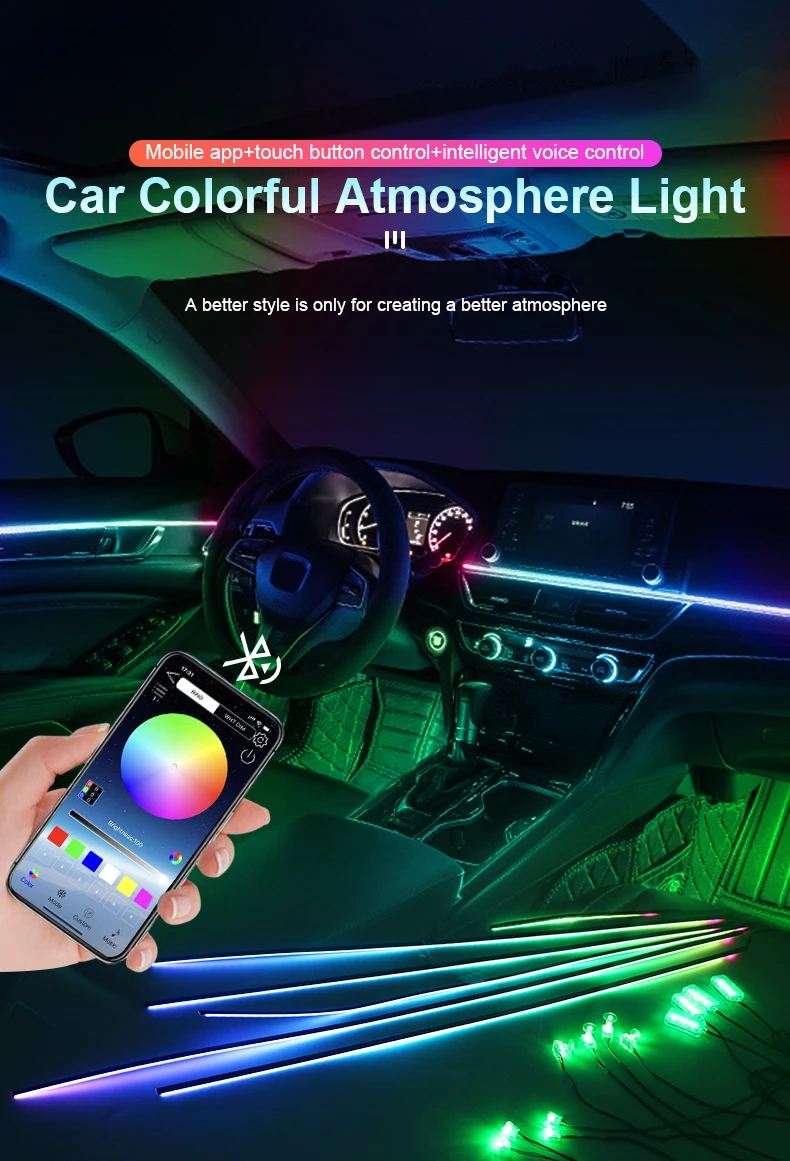
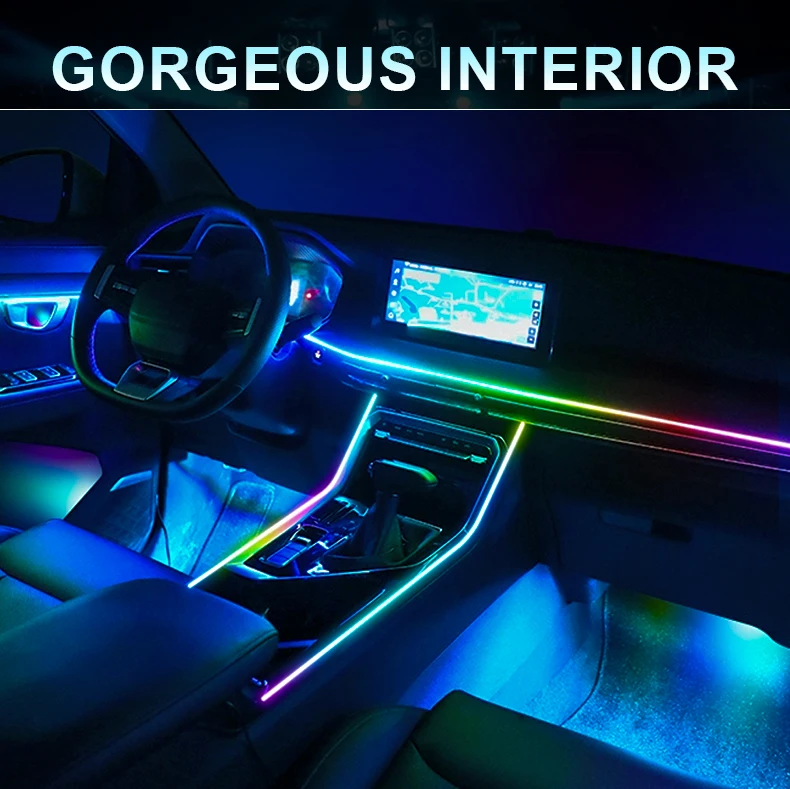
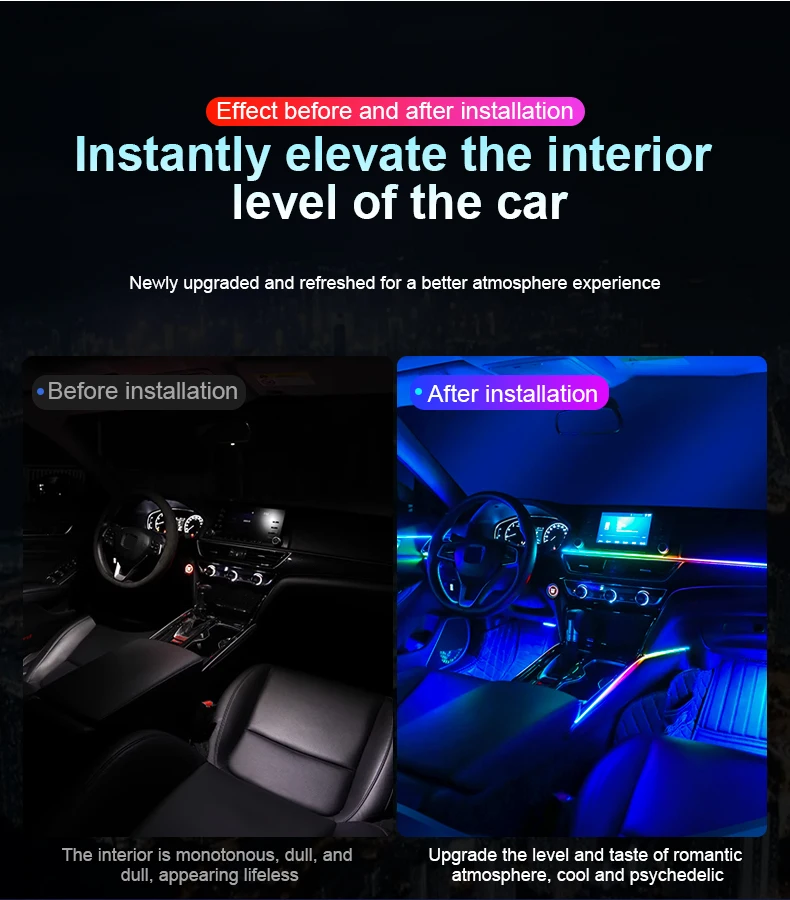
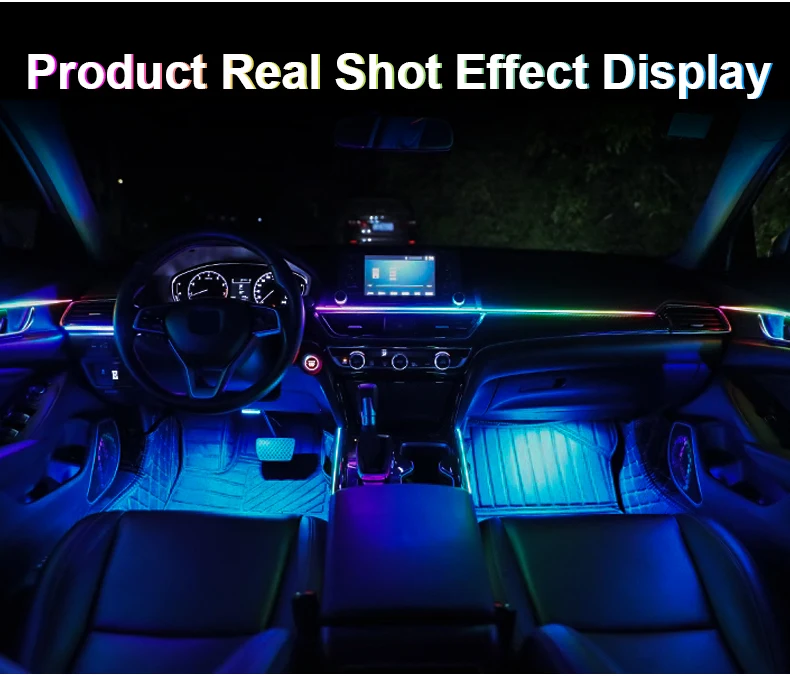
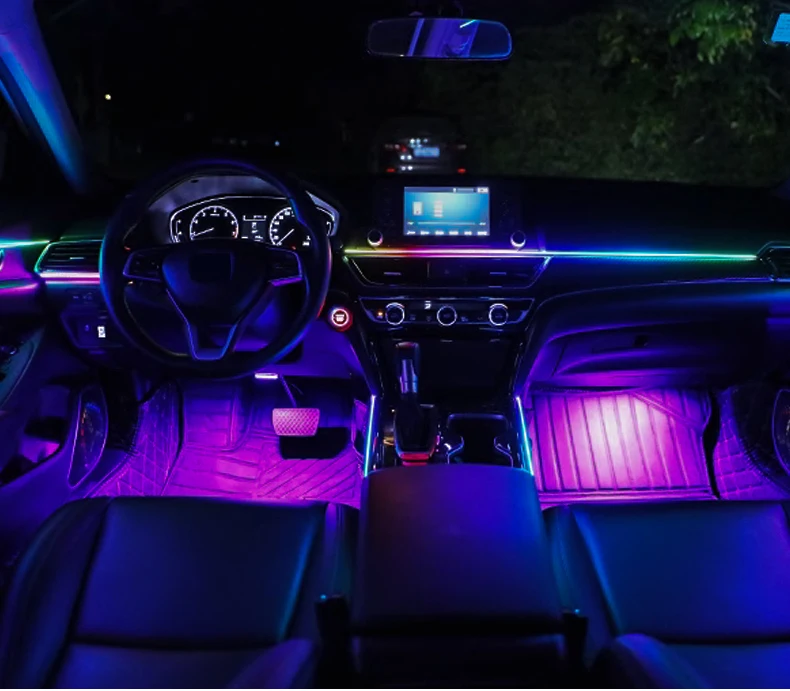
Step into the future of automotive interior design. The AutoGlow™ Multi-Zone Series gives you total control over your car's atmosphere. Whether you want a steady, sophisticated glow or a dynamic "Symphony" chasing effect that dances to your music, this kit delivers a seamless, factory-finish look for any vehicle.
Why the Multi-Zone Series Stands Out:
-
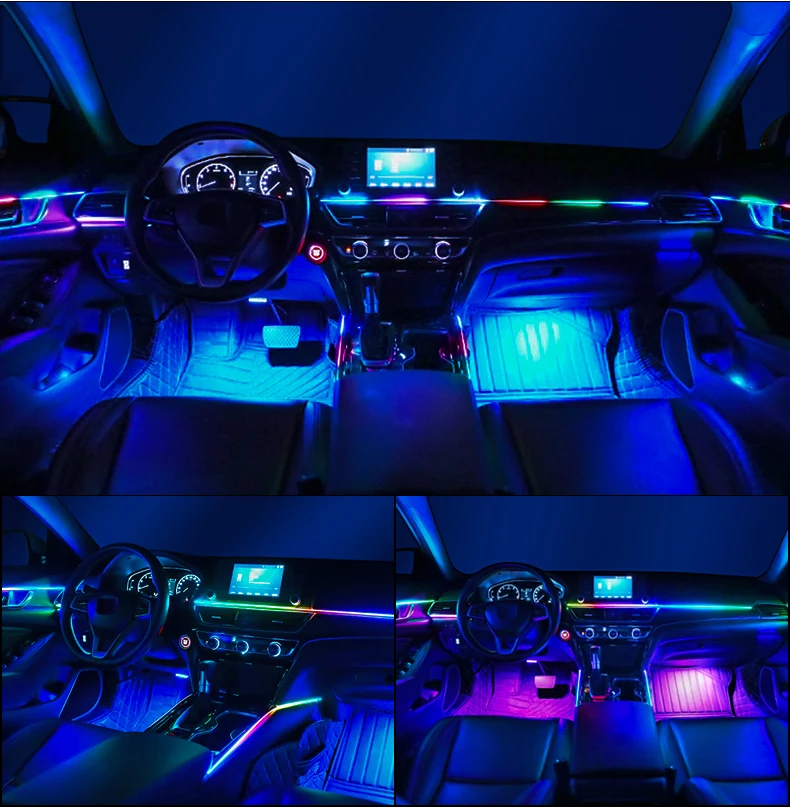
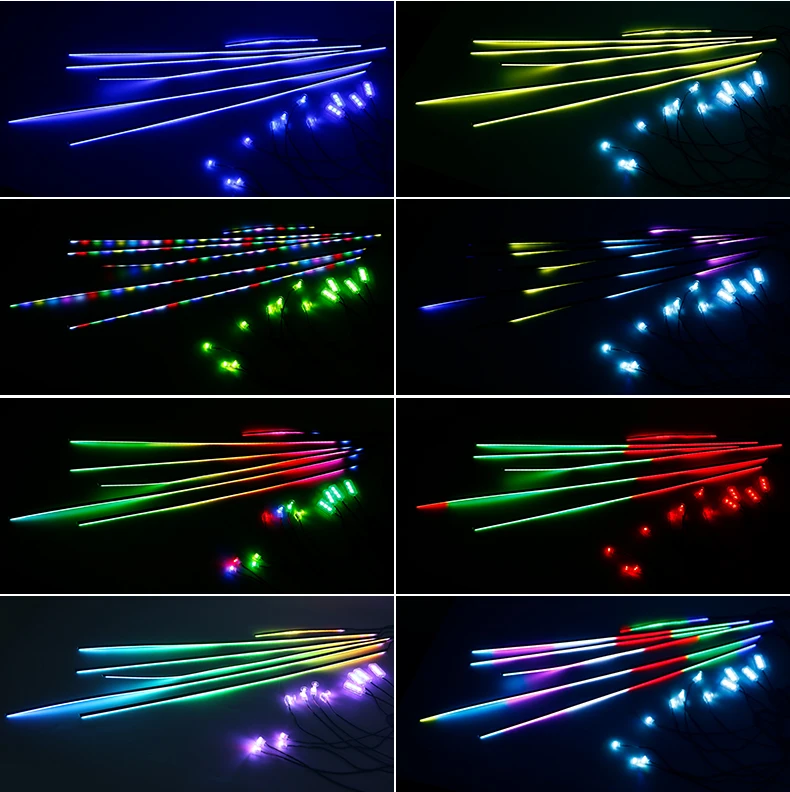
Exclusive Dual-Zone Control: Unlike standard kits, you can control the light strips and the peripheral lights (footwells/door bowls) separately. Turn off the strips while keeping the footwells on, or run two different color schemes at once.
-
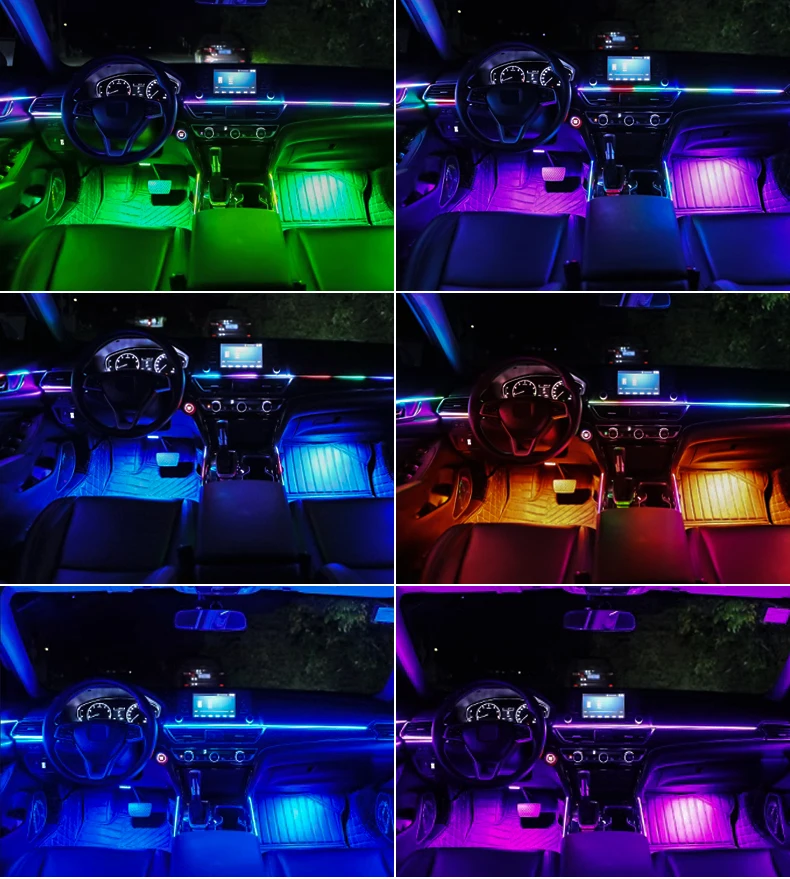
Premium Symphony Effects: Choose the "Symphony" option for 213 dynamic modes, including "Running Water," "Horse Racing," and "Jumping" effects that flow through the acrylic bars.
-
Smart "Welcome" Mode: Set a signature color that greets you every time you start your car—your AutoGlow™ remembers your last setting so you never have to reset it.
-
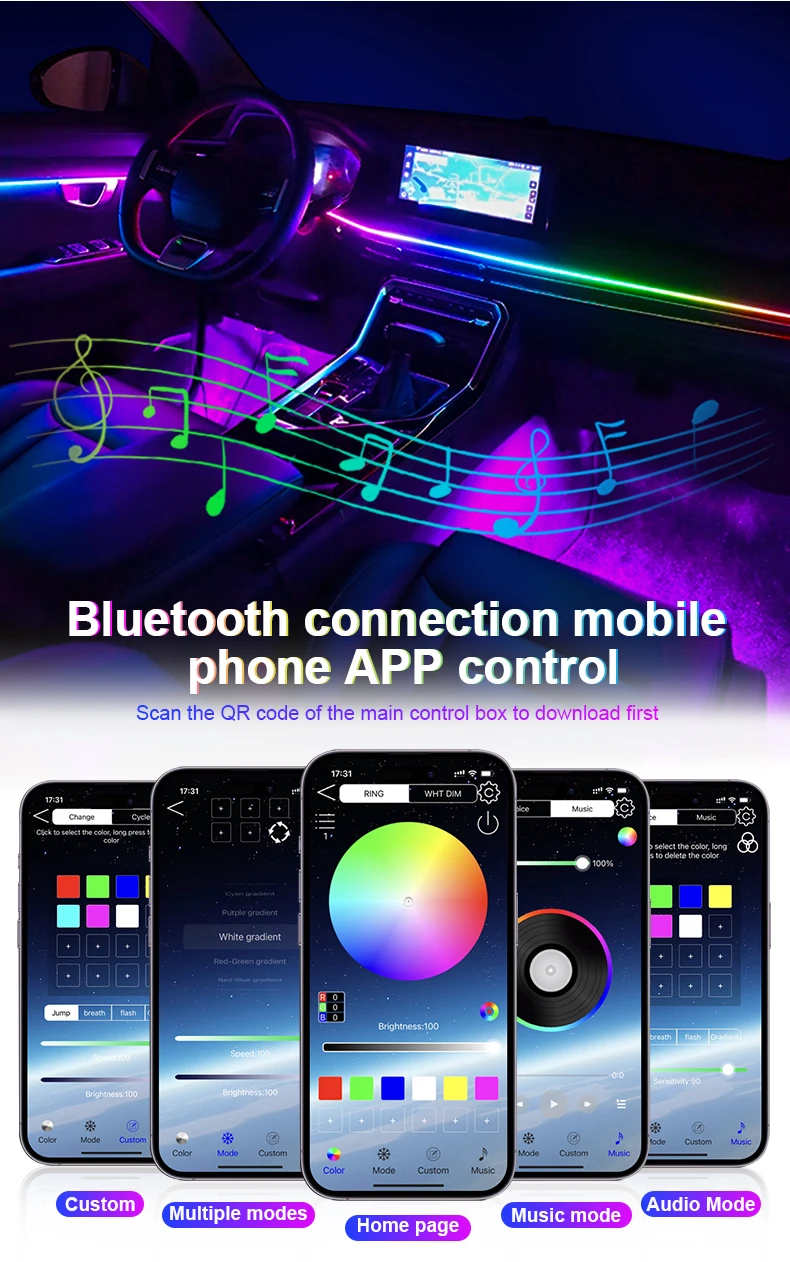
Music Sync Technology: Built-in high-sensitivity sound sensors allow your lights to pulse and change color in perfect harmony with your favorite tracks.
✨ Key Features:
-
Triple Control Options: Seamlessly switch modes via the Smartphone App, the physical Double-Button controller, or the included Remote.
-
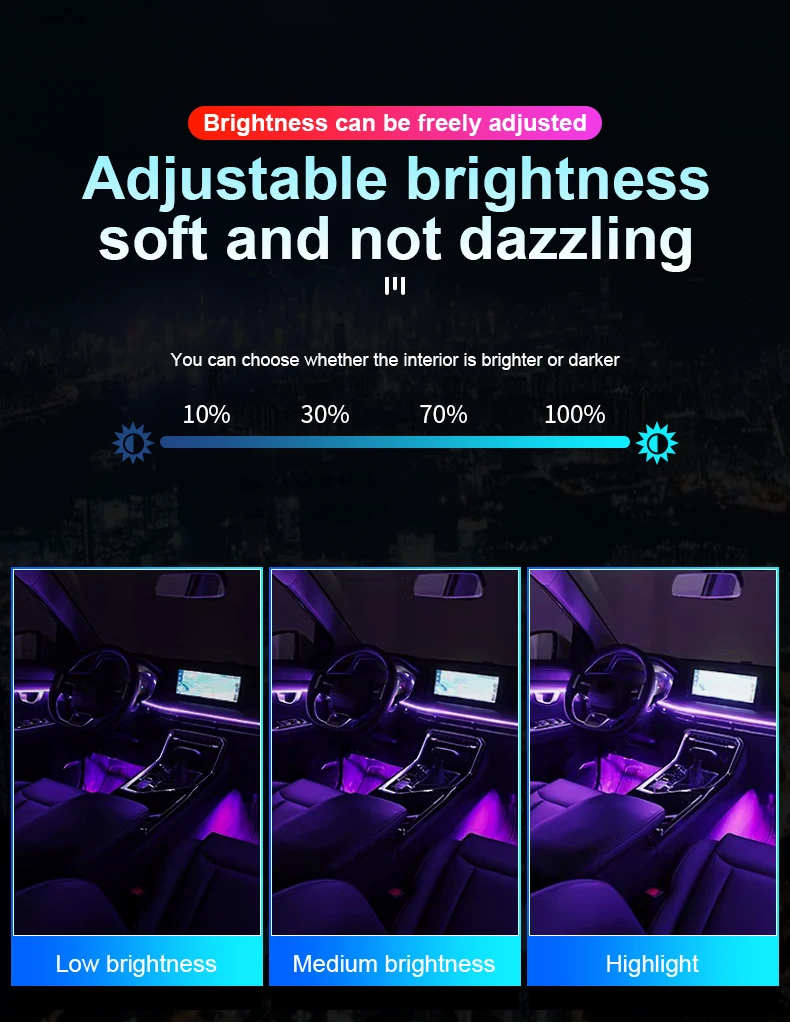
Intelligent Sleep Mode: Automatically dims the brightness to a soothing level to help passengers rest without distracting the driver.
-
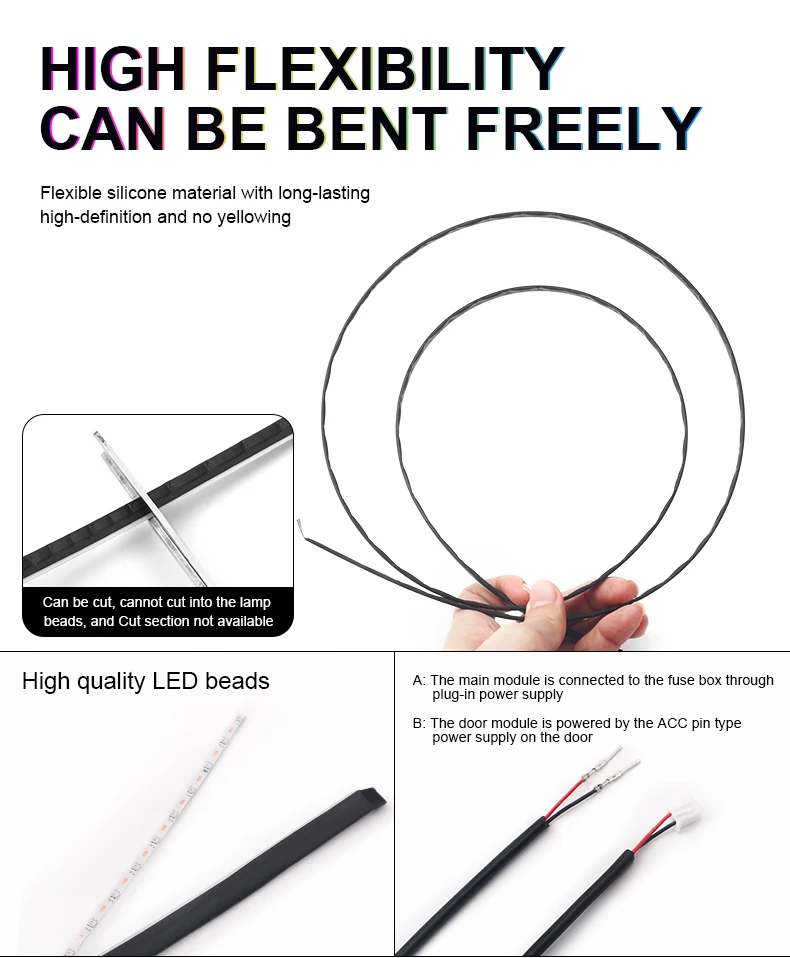
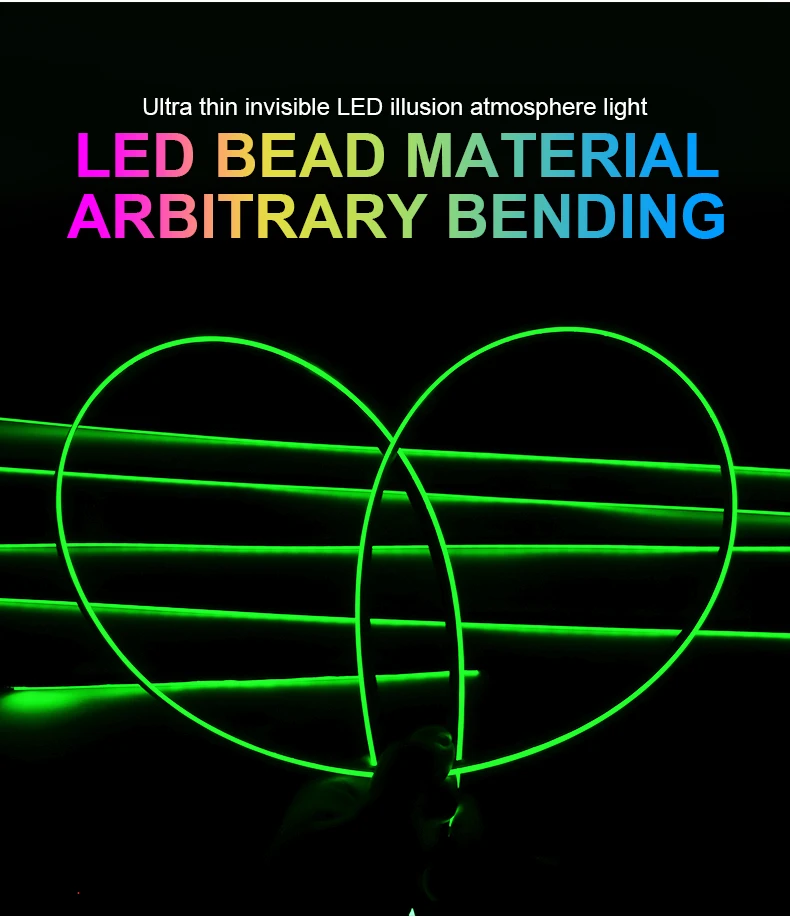
Custom Fit Design: All acrylic light strips are flexible and can be trimmed to the exact length of your dash or door panels.
-
Universal 12V Compatibility: Engineered to fit perfectly in BMW, Audi, Mercedes, Toyota, Honda, and more.
Choose Your Transformation (18-in-1 Full Kit):
-
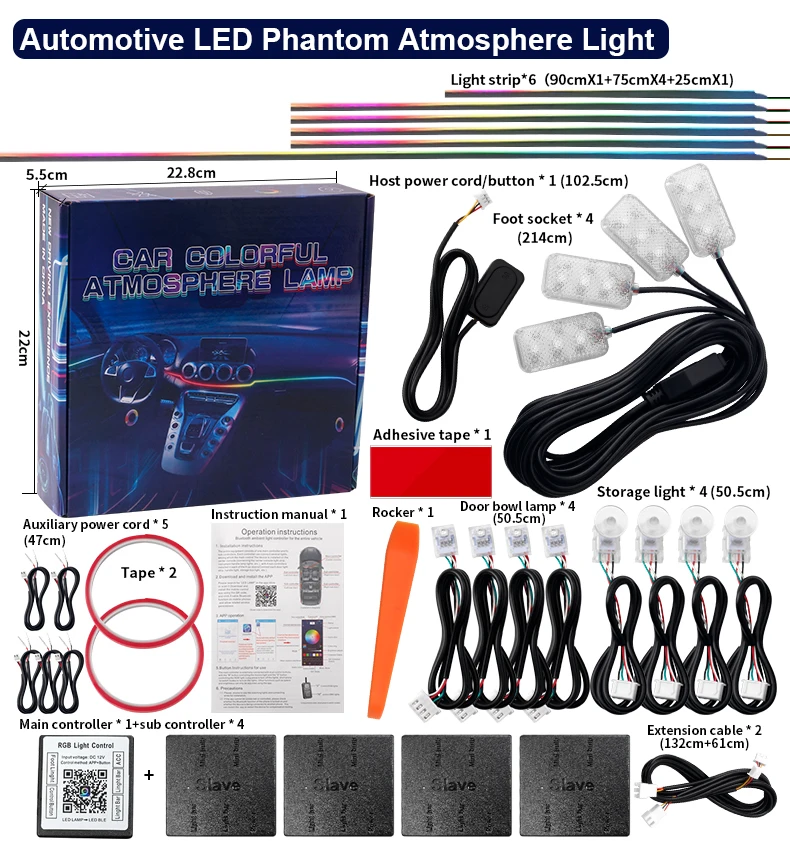
6 x Acrylic Light Strips (Customizable lengths up to 110cm)
-
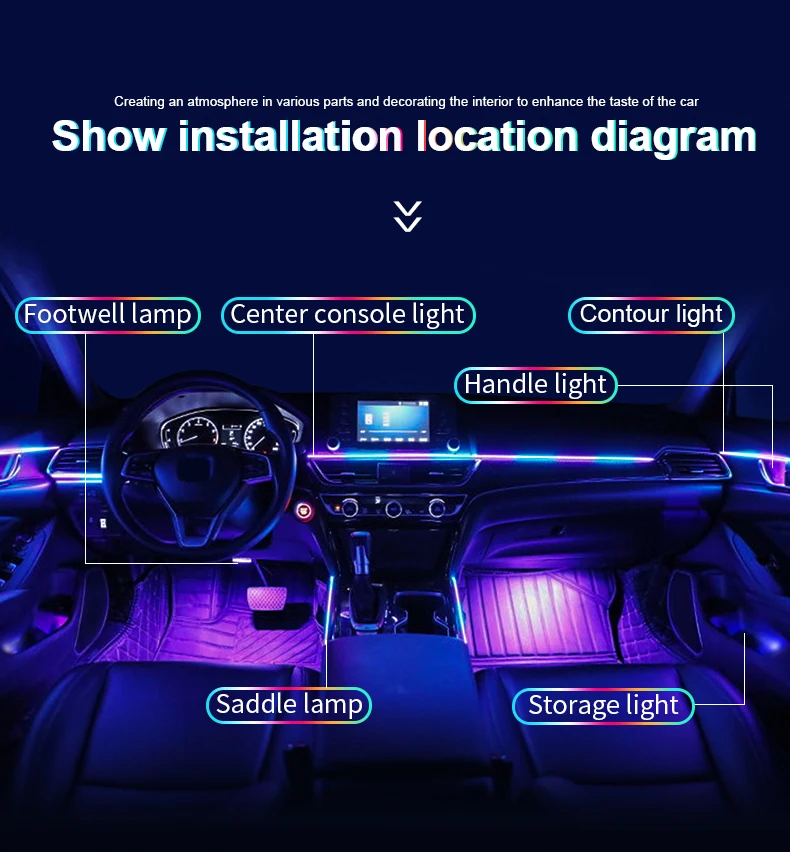
4 x Footwell Ambient Lights
-
4 x Door Bowl Accent Lights
-
4 x Storage Compartment Lights
-
1 x Main Control Hub + 4 x Wireless Sub-Controllers
Technical Specifications:
-
Voltage: 5V - 14V DC (Safe for all vehicles)
-
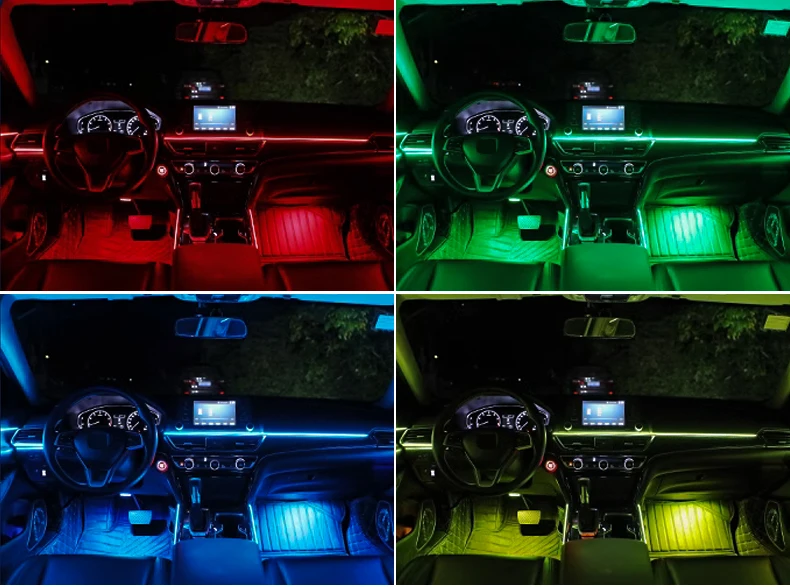
Modes: 213 Symphony Colors or 64 Solid Colors
-
Installation: Wireless Sub-Controller System (No messy wires between doors)
-
Certification: CE Certified for safety and quality
Buyer’s Note: Select the "Symphony" option for moving/chasing color effects, or "64-Color" for static/solid color modes. For a truly "hidden" look, we recommend tapping into your door’s power supply for a wire-free cabin experience.
Question and Answer:
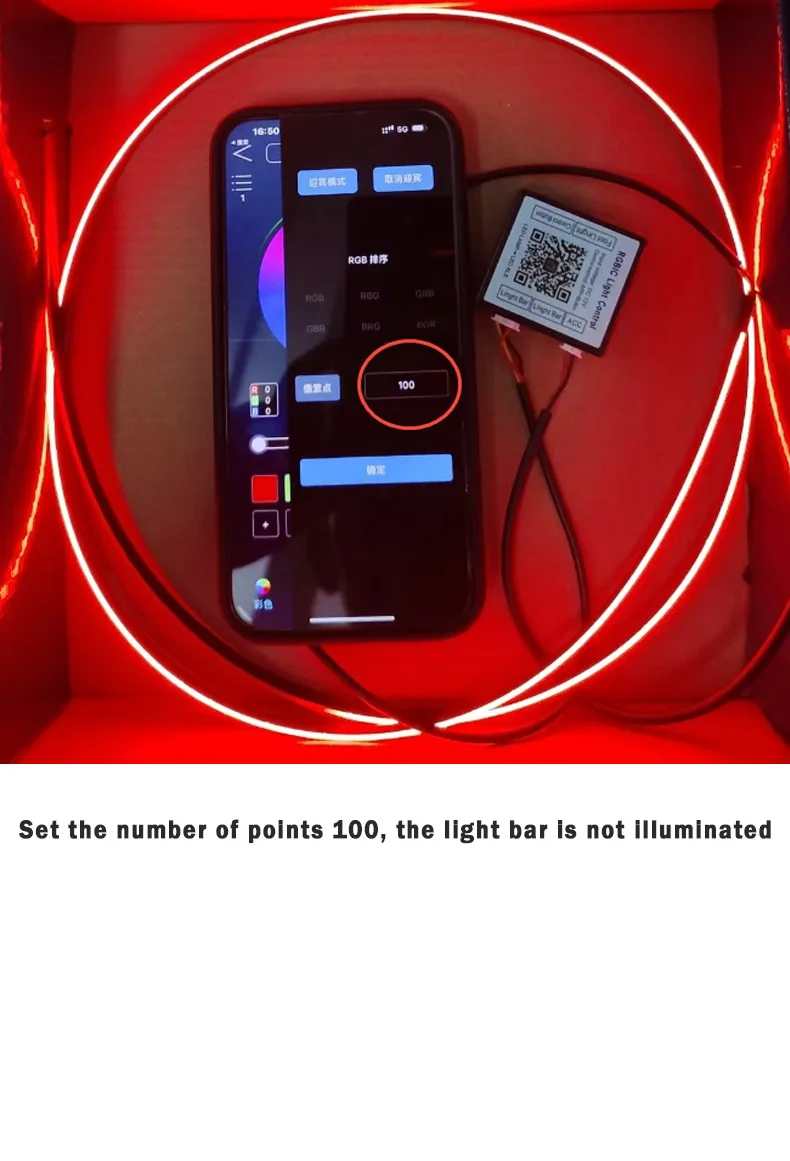
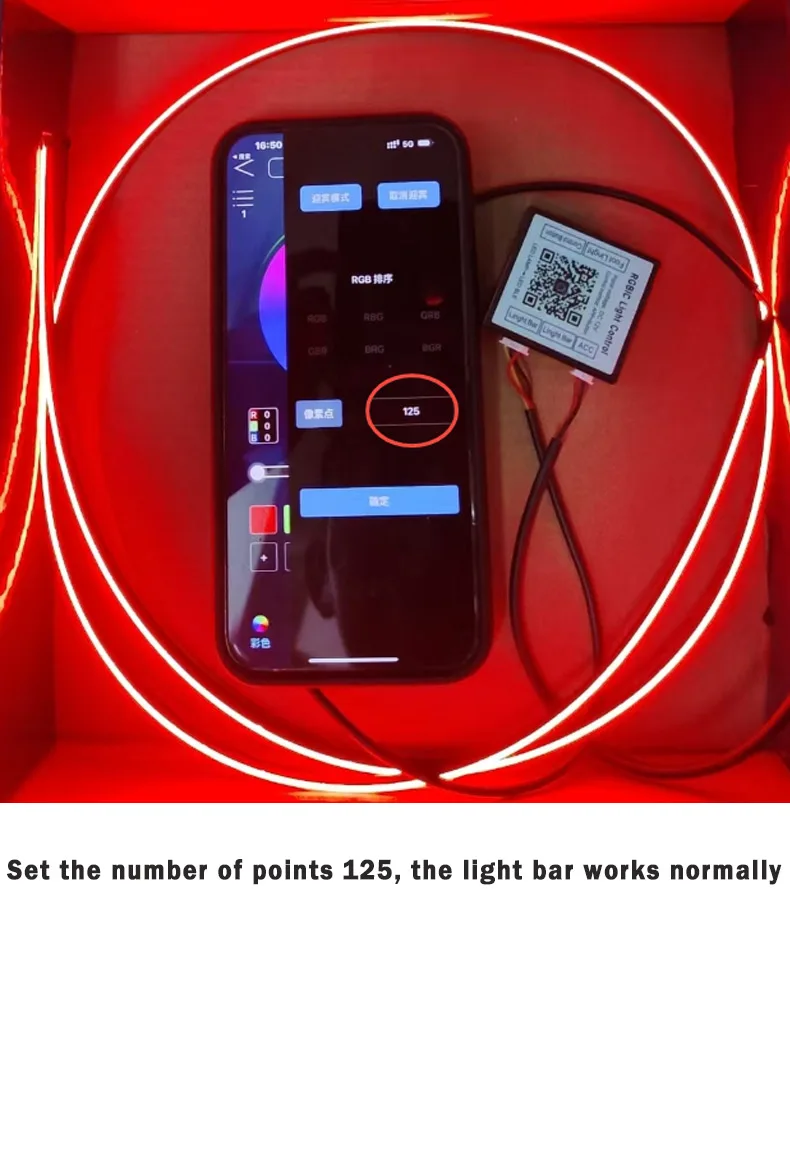
1.Why do some light bars not light up?
Answer: The buyer has set the points and needs to set the points on the set page! 125
As shown in the picture
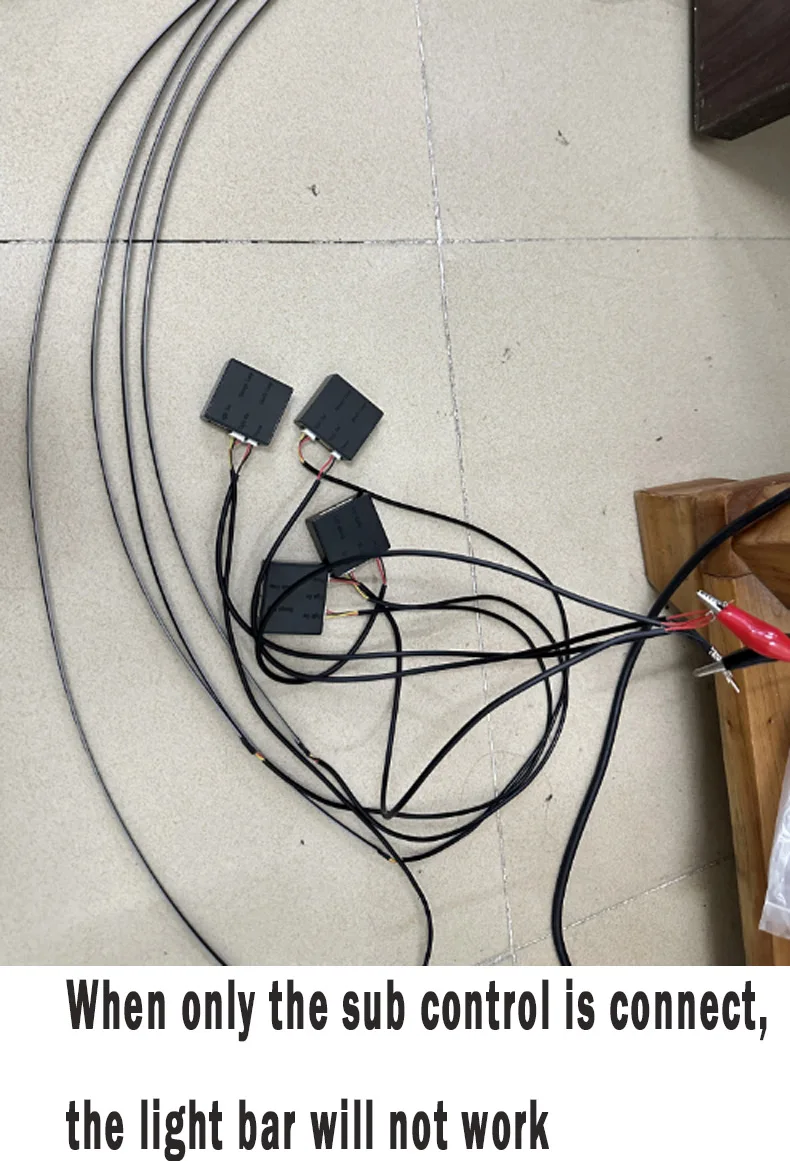
2.Why is only the main control able to turn on but the secondary control not?
Answer: If the sub control is turned on separately when testing the product, it will not work, and the sub control needs to be connected to the main control.
As shown in the picture

3: Why do the light bars flash?
Answer: You need to connect the ambient light master to a power supply less than 20A
As shown in the picture

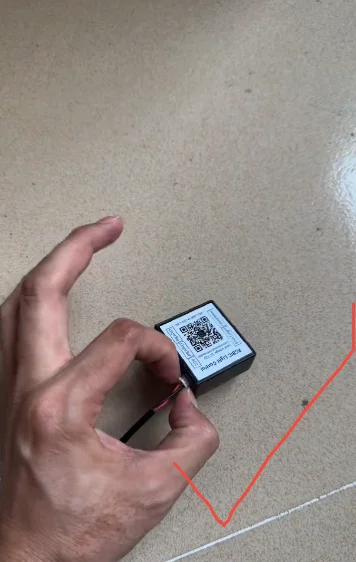
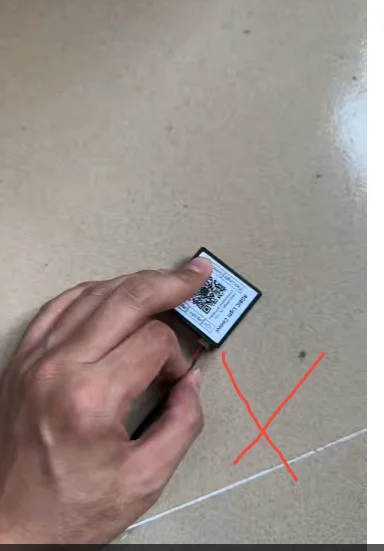
4:Why is the power cord of the controller so easily disconnected?
Answer: Please unplug its head, not the cable. Pulling the cable directly may easily damage it!
As shown in the picture
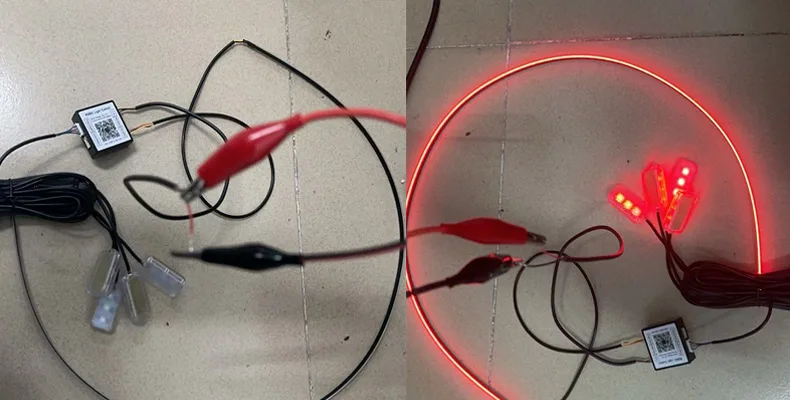
5. Why is the Footlight not illuminated?
Answer: The positive and negative electrodes may burn the controller when connected to the reverse, the negative electrode is connected to the black electrode, and the positive electrode is connected to the red electrode.
As shown in the picture
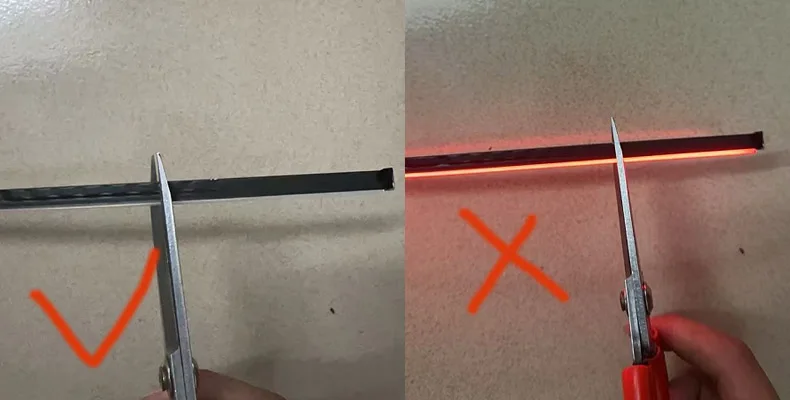
6. Why does the light bar start to light up but stop after cutting off the light bar?
Answer: You cannot use scissors to cut when the light is on. You can only cut it when the power is turned off, otherwise it will cause damage to the light strip.
As shown in the picture
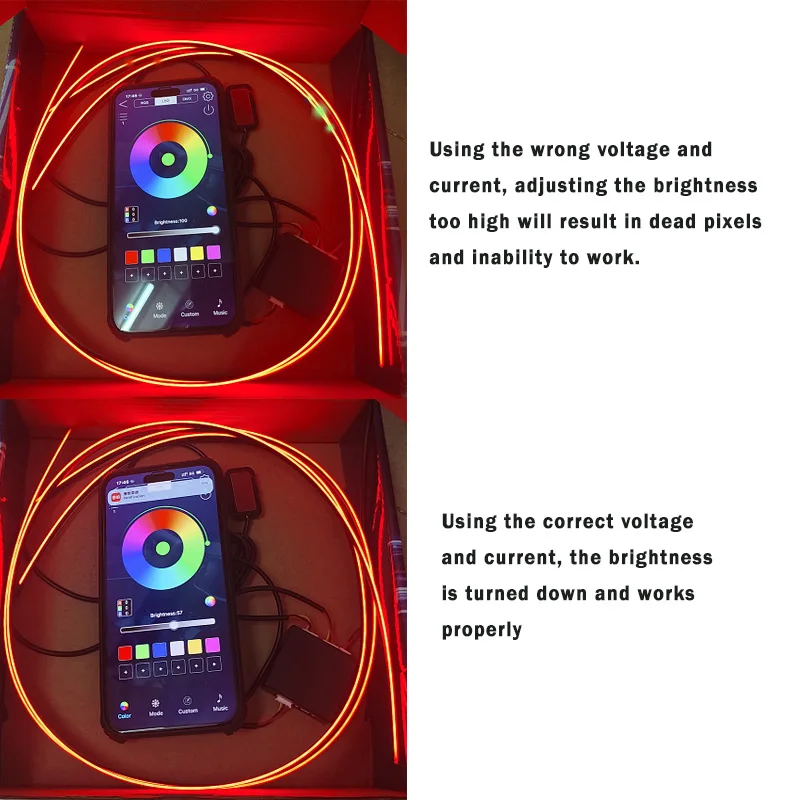
7.Why do light bars have dead pixels?
Answer: If you use the wrong voltage and current and adjust the brightness too high, the light strip will burn out and dead pixels will appear. Please use the correct voltage and current, and adjust the brightness on the APP
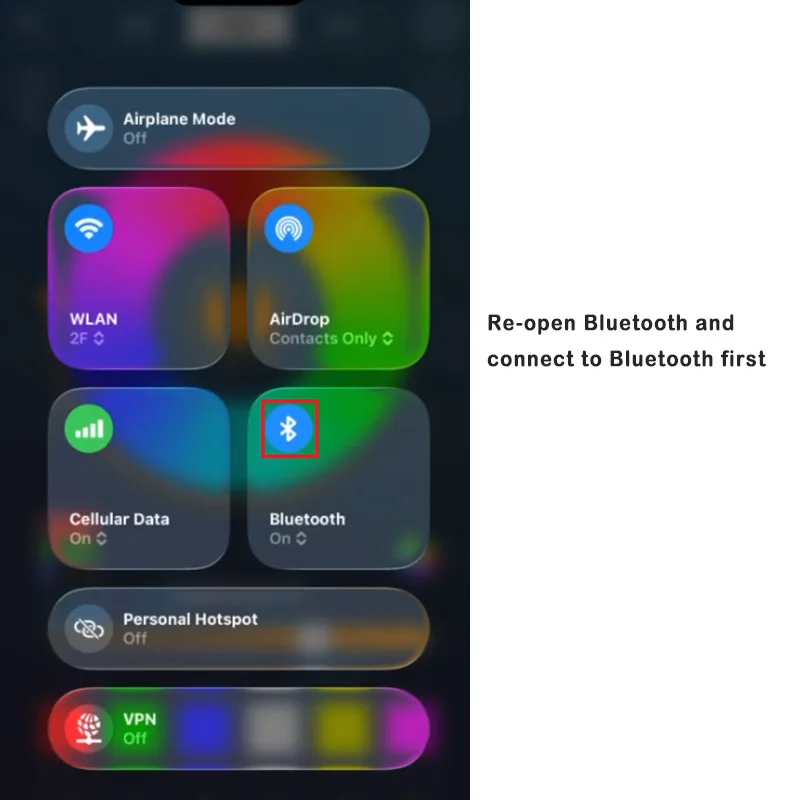
8.Why doesn't the main controller respond?
Answer:Need to turn the Bluetooth of your mobile phone first
9: Why doesn’t the door light come on?
Answer: Please check that the connector is not inserted all the way. If it is not inserted all the way, it will not light up.
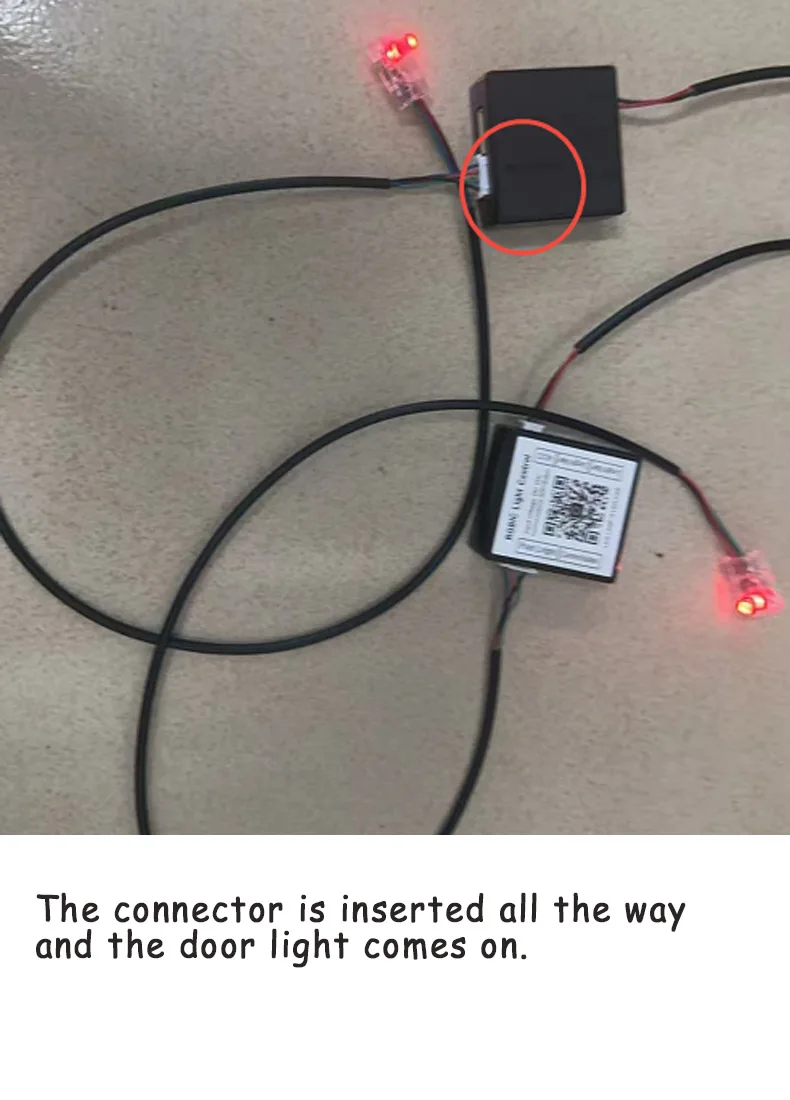
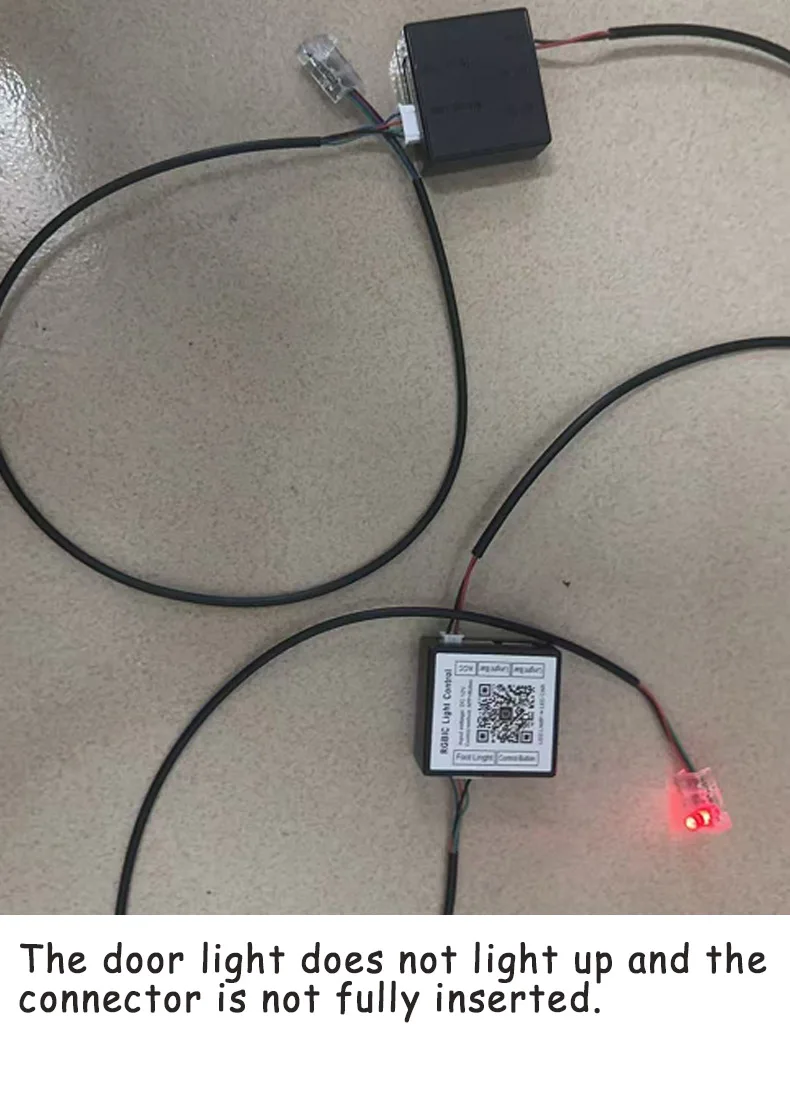
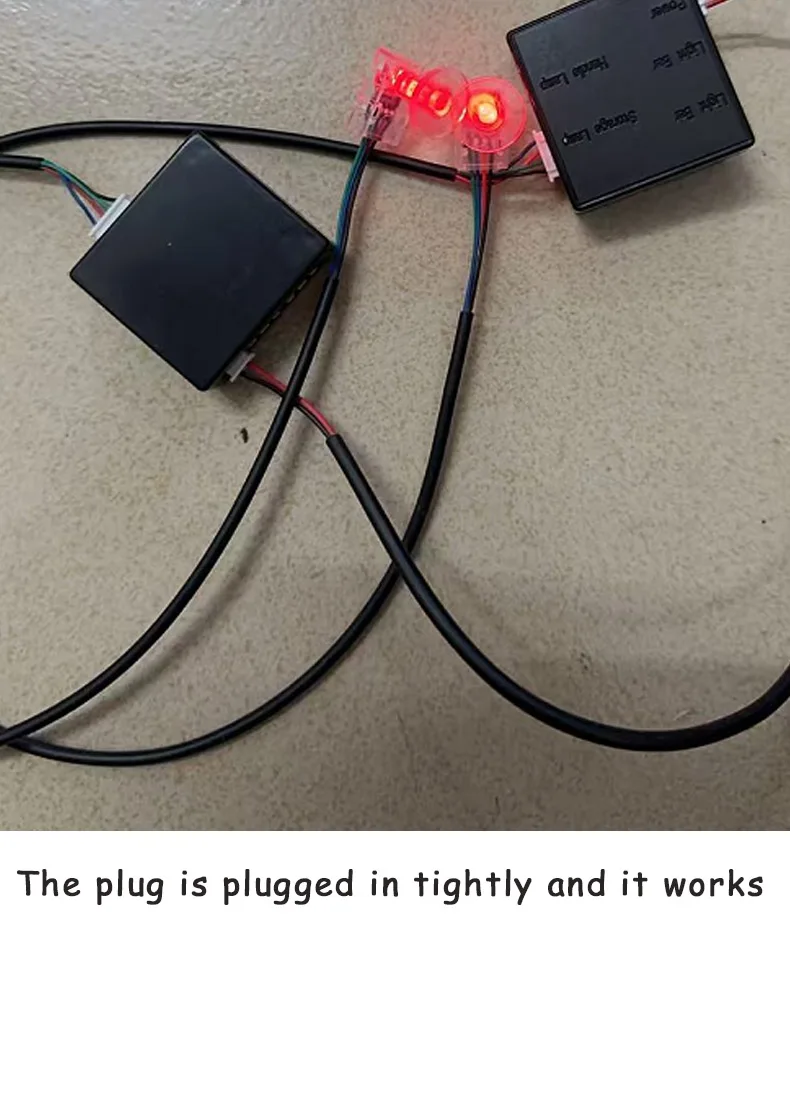
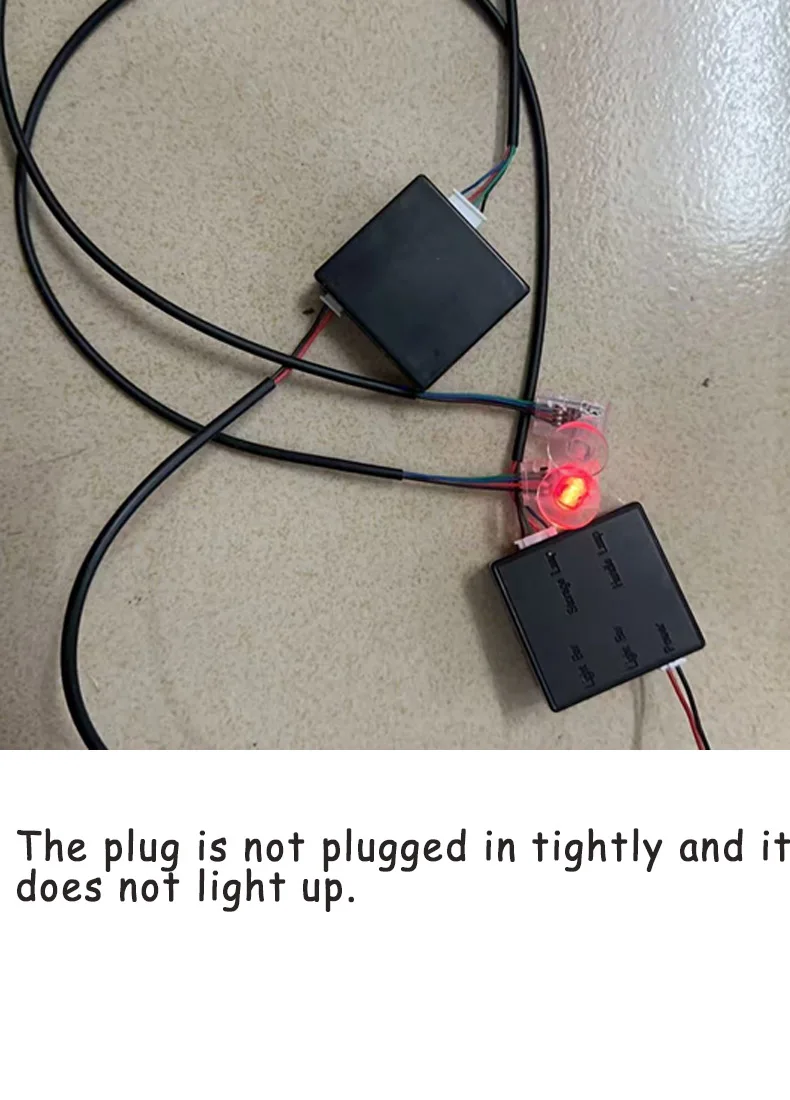
10.Question: Why don't the storage lights come on?
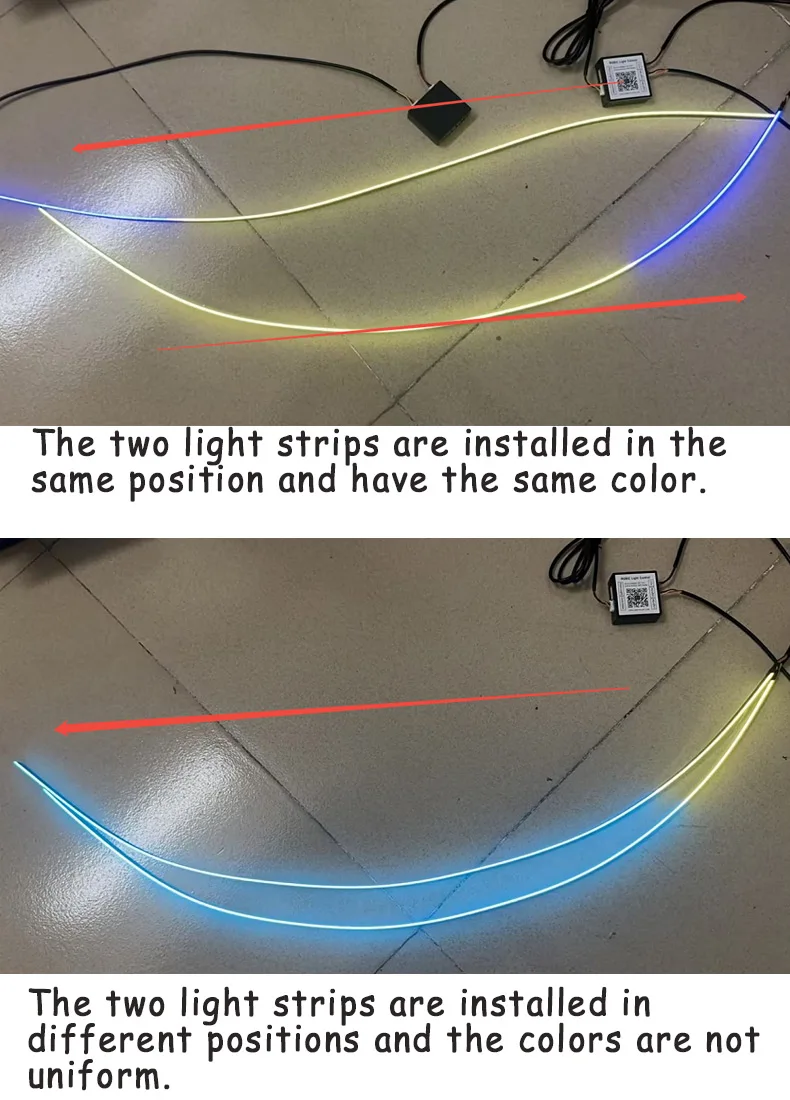
11.QuestionWhy are the colors of the light strips not uniform? Opposite colors?
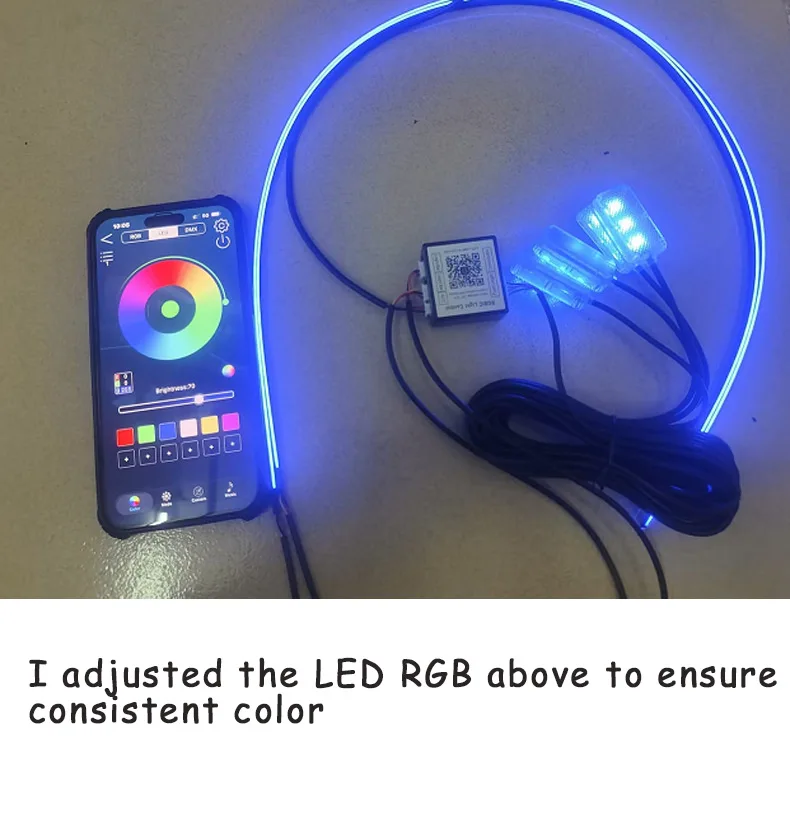
12.Why the foot light Color is different from the led strip
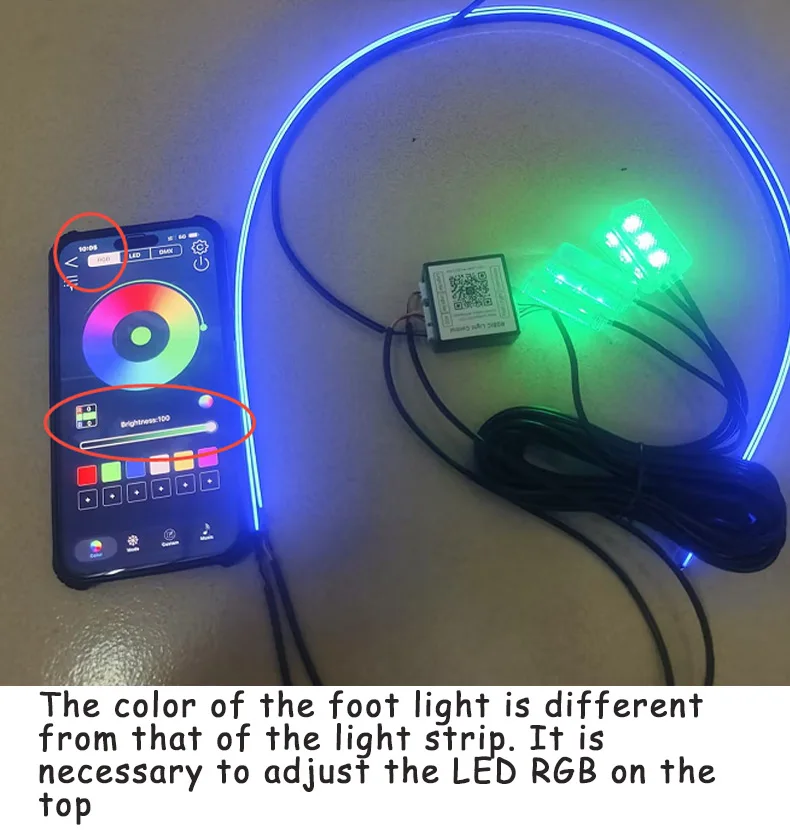
13.How to turn off the opening animation?
You can close it on the APP and select calcel welcome
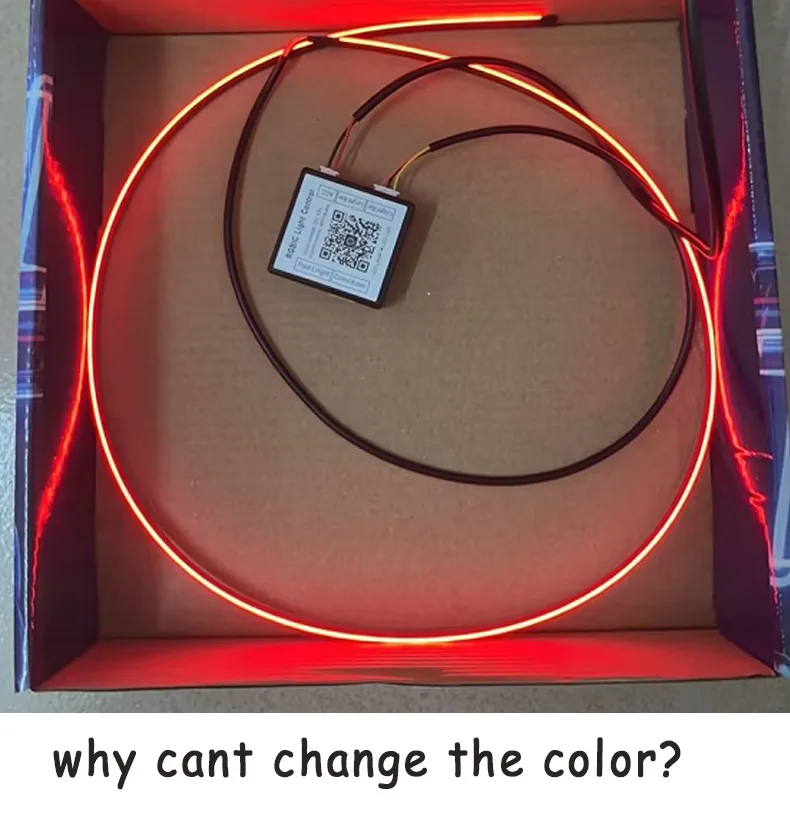
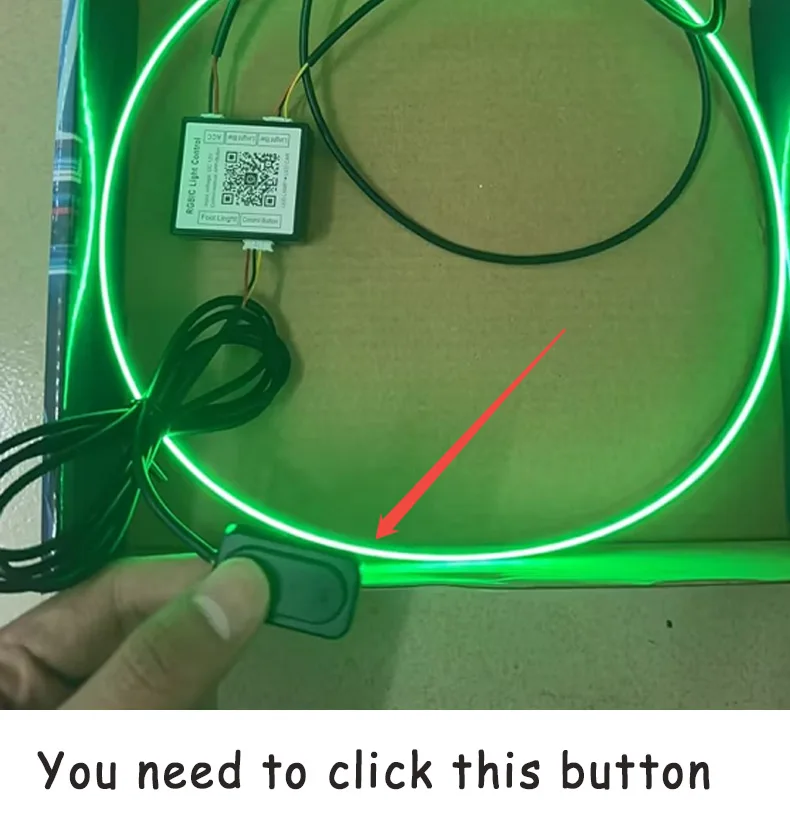
14.Why cant change the color?
You need to click this button
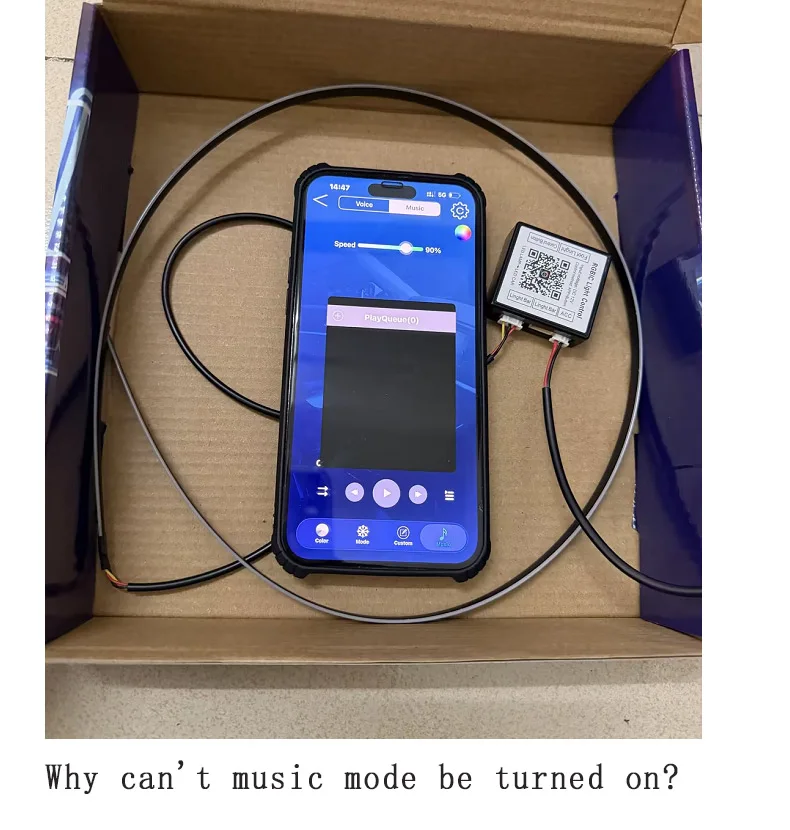
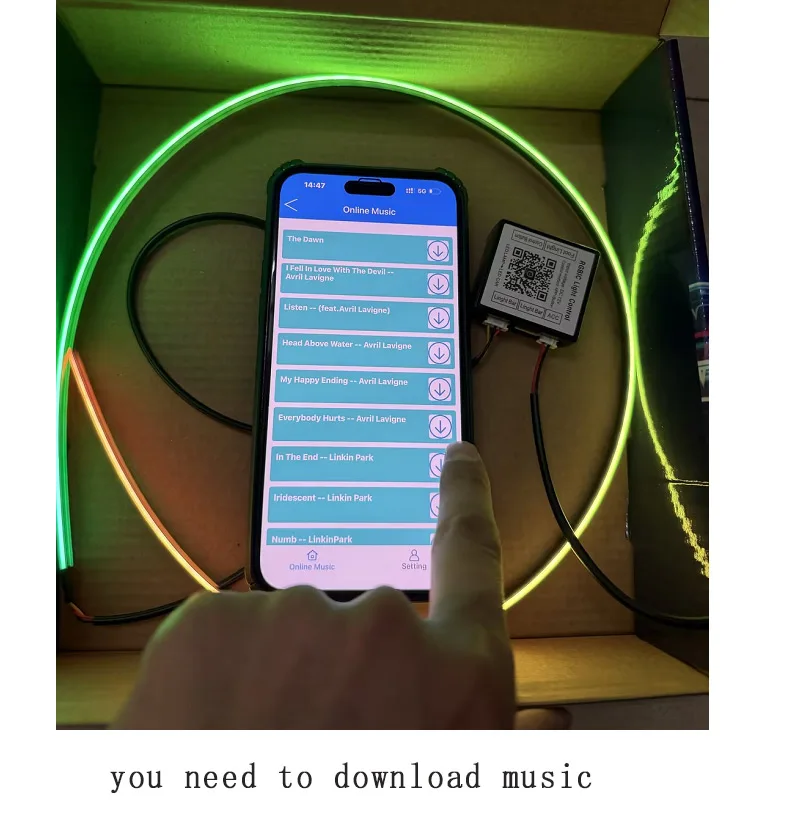
15.Why can't music mode be turned on?
16.How to enable animation mode?

17.Why can’t the illusion show up even though I obviously chose the illusion suit?
Please follow the correct operation steps below and scan the following QR code to watch the video operation.

